The Photos You Upload Matter More Than Anything Else
Your training photos are the single biggest factor in portrait quality. Here's what actually works after watching thousands of models get trained.
After watching thousands of models get trained on Avatune, one thing is obvious: the photos you upload matter way more than which training tier you pick or how many credits you spend.
People who get great results aren't using fancy cameras. They're just picking the right photos.
4–8 photos is all you need
We cap it at 8 for a reason. More photos doesn't mean better results — past 8, you're just adding noise. 6 is the sweet spot.
What actually matters
What kills your results
If you wear glasses
Keep them on in most of your training photos. The AI will learn to generate you with glasses, which is probably what you want. If you sometimes wear them and sometimes don't, include a mix.
Same goes for any consistent part of your look — a beard, piercings, whatever. Show the AI what you actually look like day-to-day.
Don't have good photos? Take them in 10 minutes
- Stand facing a window for soft, even light
- Hold your phone at eye level
- Take a few shots straight on, a few angled left, a few angled right
- Mix your expressions — relaxed, small smile, neutral
- Pick your best 6
No ring light needed. No tripod. Just a window and your phone.
Formats and limits
JPEG, PNG, or WebP. Max 10MB per photo. The app auto-compresses large files and catches duplicates. Most smartphone photos work fine.
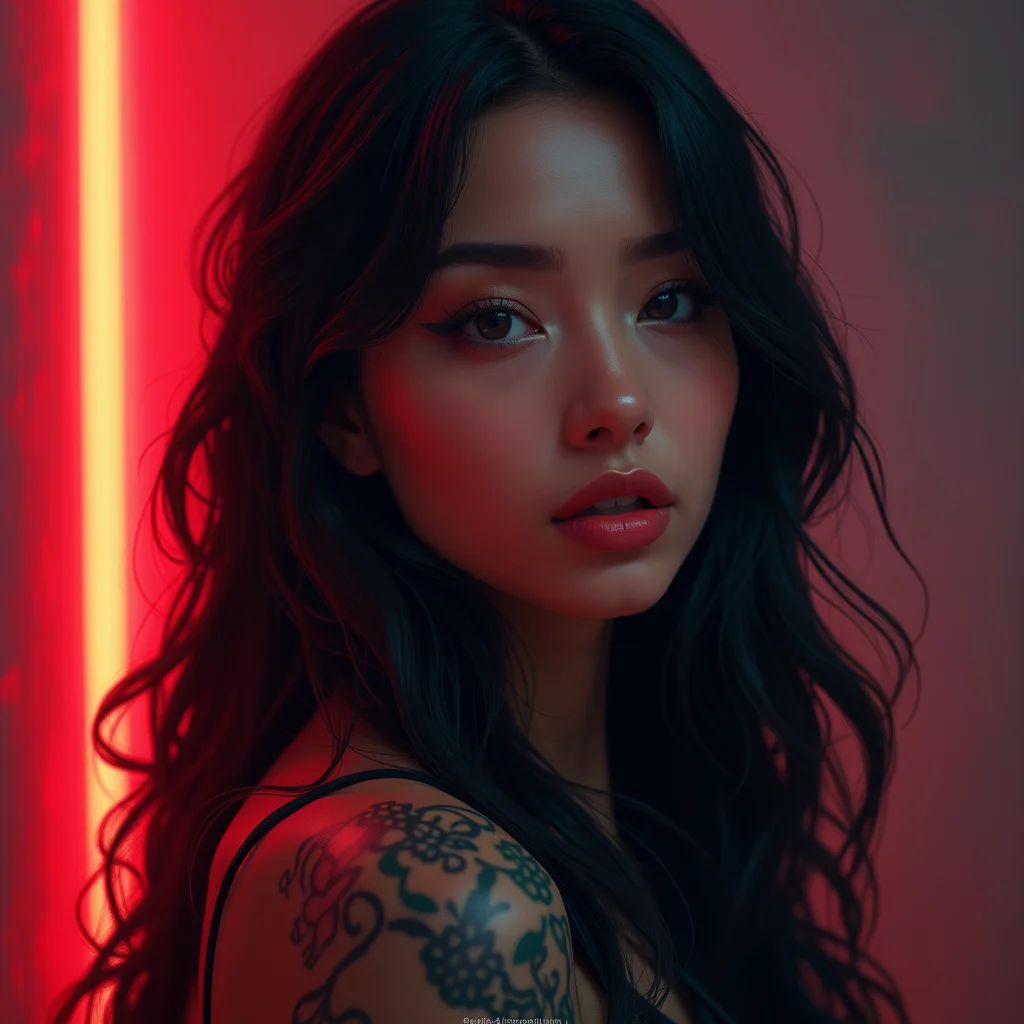
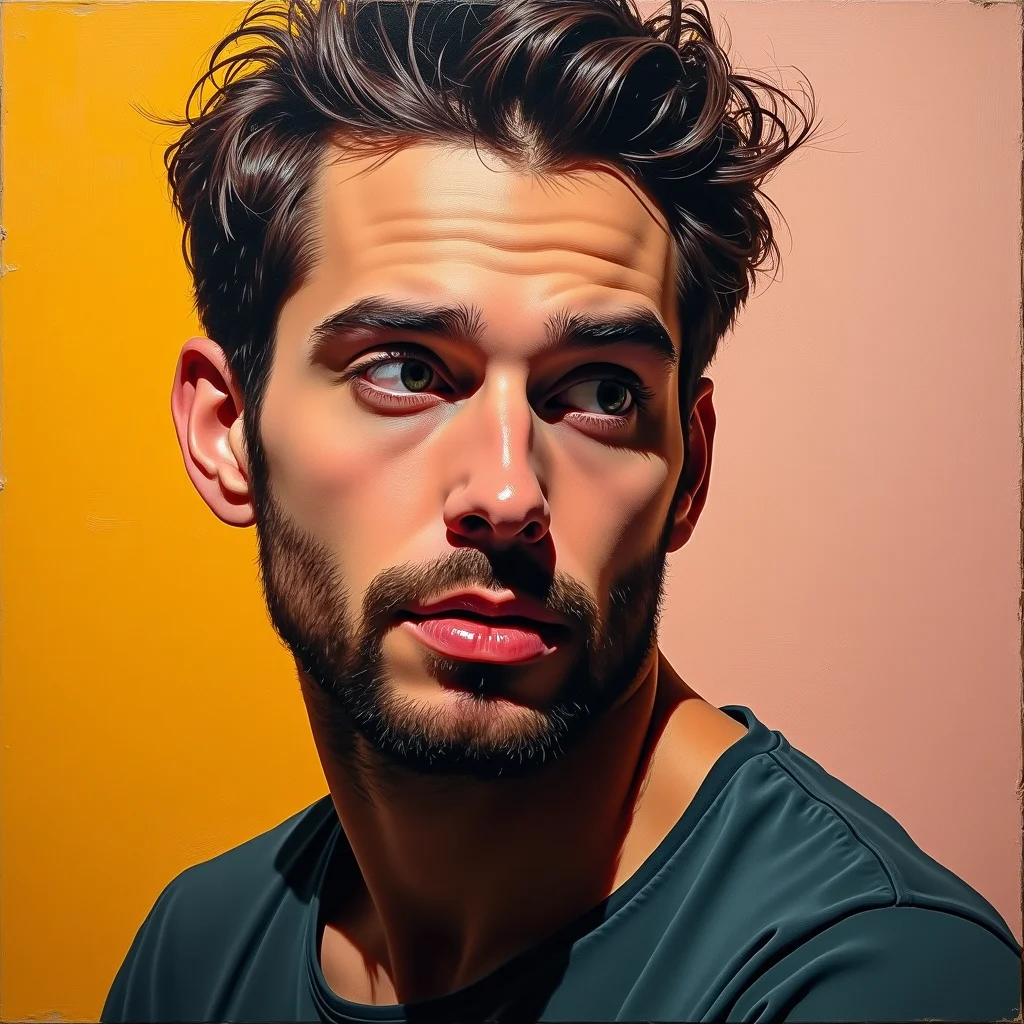
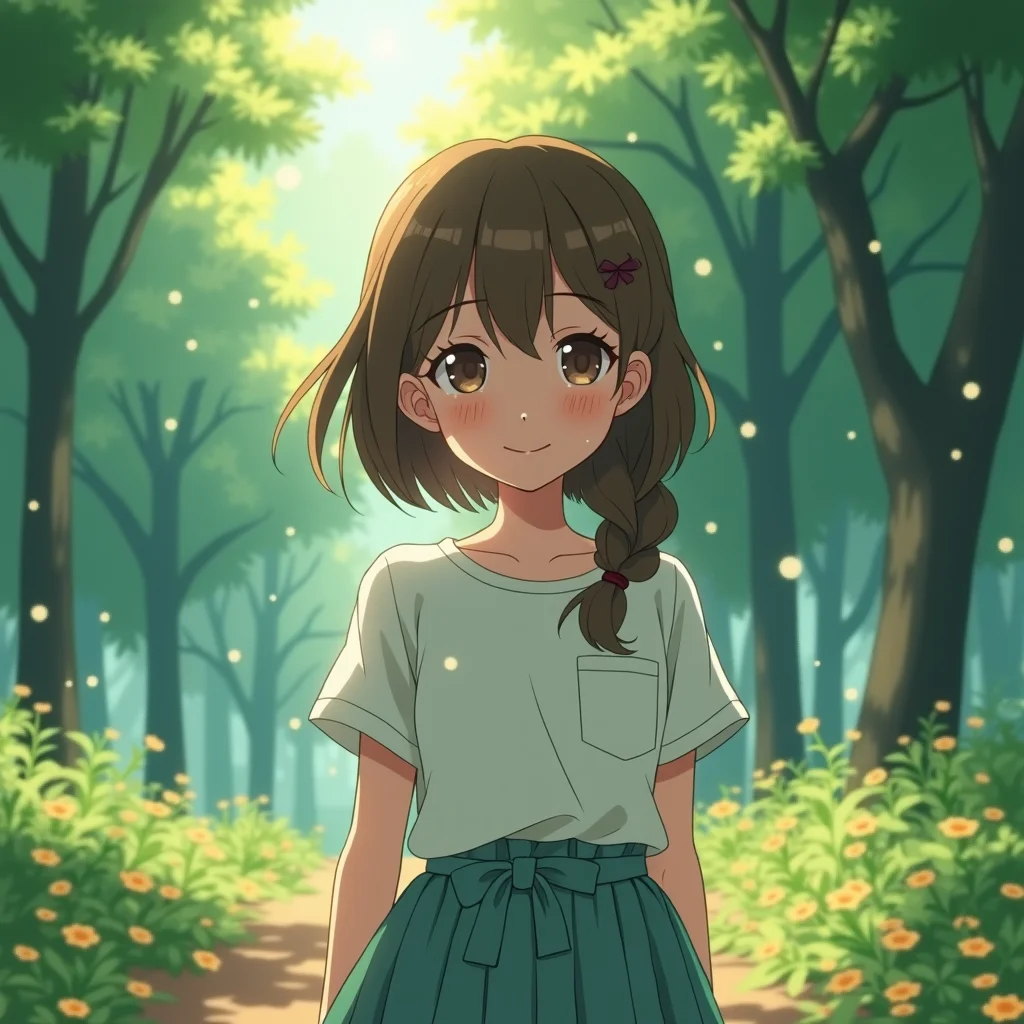
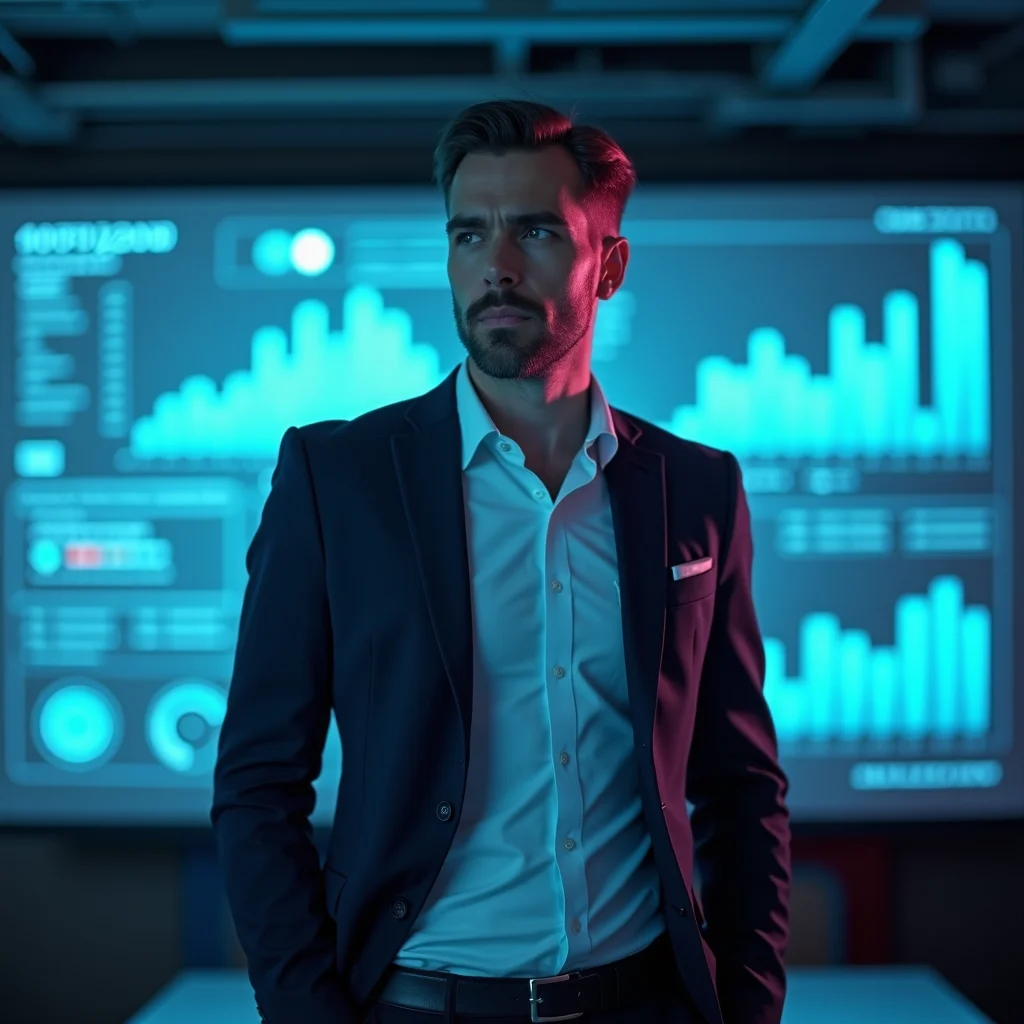
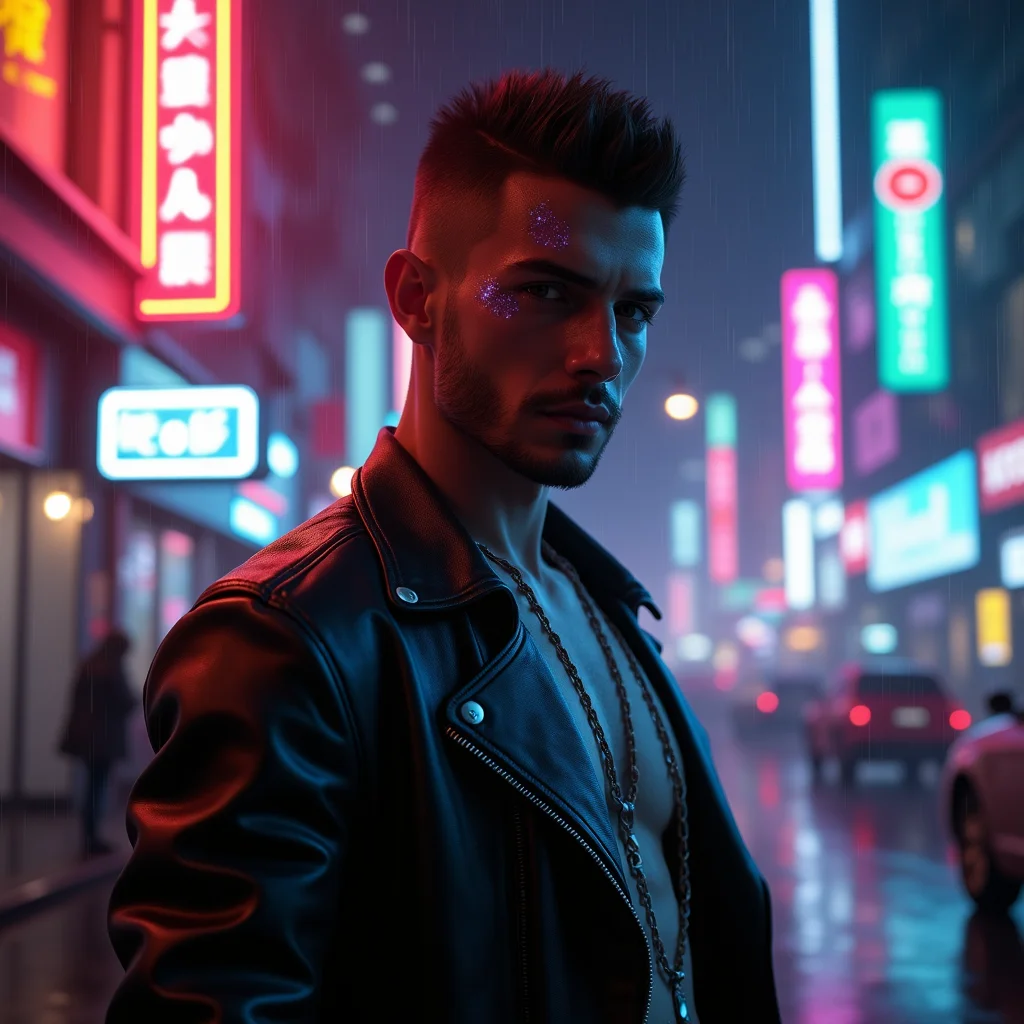
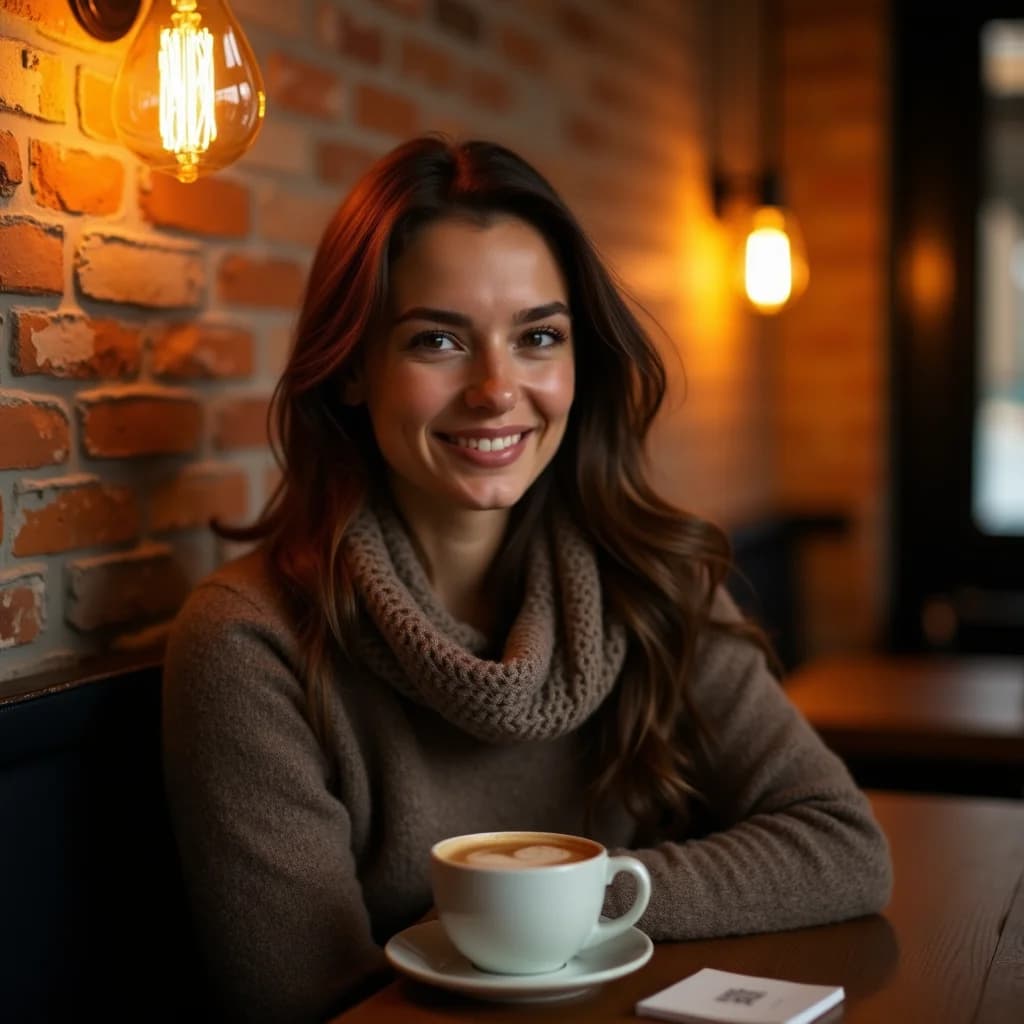
These came from casual, well-chosen phone photos. Not a studio in sight.
Ready to Create Your AI Portraits?
Start free with 30 credits. Upload your photos, train your model, and generate stunning portraits in minutes.
Start Free